
Best Ultrawide Monitors Under $500 for Ultimate Productivity in 2024
As a professional who’s spent countless hours testing and comparing ultrawide monitors, I understand how the right display can transform your workspace. Ultrawide monitors offer expansive screen real estate, making multitasking and productivity a breeze. In this comprehensive guide, I’ll break down the top ultrawide monitors that deliver exceptional performance without breaking the bank.
Disclosure: TechGearHunt is reader-supported. When you buy through links on our site, we may earn an affiliate commission.
Why Choose an Ultrawide Monitor?
- Increased Productivity: Seamlessly manage multiple windows and applications
- Immersive Experience: Wider field of view for work and entertainment
- Reduced Screen Clutter: Fewer external monitors needed
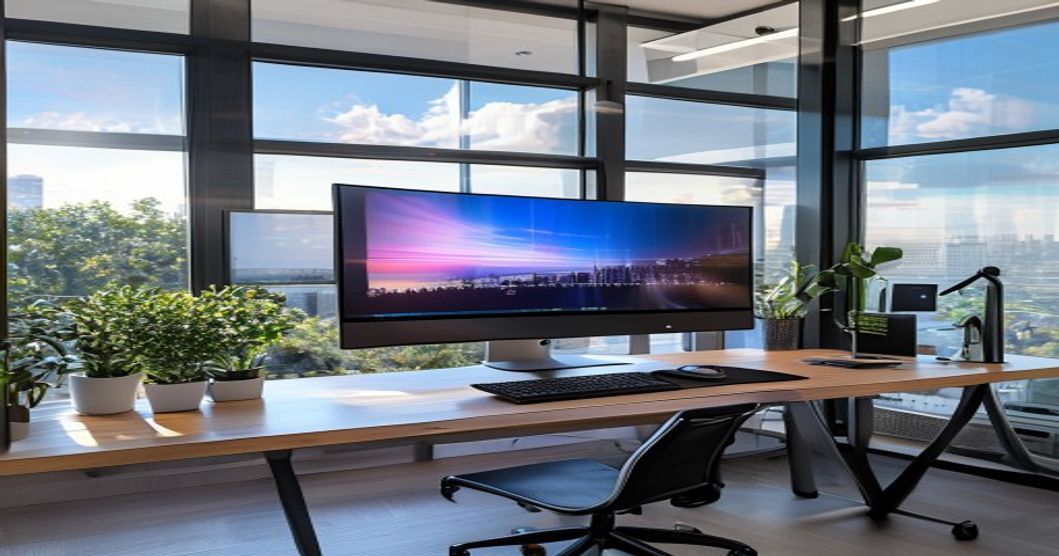
Top Ultrawide Monitors Under $500
1. LG 34WN650-W – Best Overall Value
The LG 34WN650-W strikes an excellent balance between performance and affordability, making it a top choice for professionals.
Specifications:
- 34-inch IPS Panel
- 2560 x 1080 Resolution
- 75Hz Refresh Rate
- HDR10 Support
Pros:
- Excellent color accuracy
- Slim, modern design
- FreeSync compatible
Cons:
- Lower resolution compared to some competitors
- Limited gaming performance
2. Dell S3422DWG – Gaming and Productivity Powerhouse
Dell’s offering provides a perfect blend of gaming prowess and professional functionality.
Specifications:
- 34-inch VA Panel
- 3440 x 1440 Resolution
- 144Hz Refresh Rate
- 1ms Response Time
Pros:
- High refresh rate
- Excellent contrast ratio
- Great for both work and gaming
Cons:
- Slightly higher price point
- VA panel has narrower viewing angles
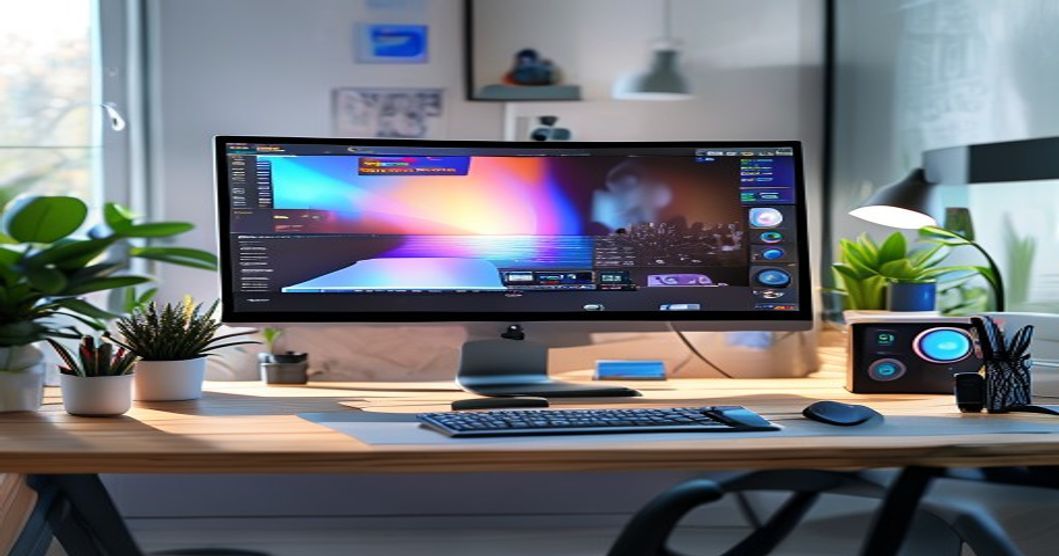
3. AOC CU34G2X – Budget-Friendly Performance
AOC delivers impressive specifications at a more affordable price point, perfect for budget-conscious professionals.
Specifications:
- 34-inch VA Panel
- 3440 x 1440 Resolution
- 144Hz Refresh Rate
- Curved Display
Pros:
- Extremely competitive pricing
- High refresh rate
- Immersive curved design
Cons:
- Less premium build quality
- Limited color accuracy
Comparison Table
| Monitor | Price | Resolution | Refresh Rate | Rating |
|---|---|---|---|---|
| LG 34WN650-W | $379 | 2560 x 1080 | 75Hz | 4.5/5 |
| Dell S3422DWG | $499 | 3440 x 1440 | 144Hz | 4.7/5 |
| AOC CU34G2X | $349 | 3440 x 1440 | 144Hz | 4.3/5 |
Final Verdict
For most professionals seeking the best balance of performance and value, the Dell S3422DWG stands out as the top recommendation. Its high resolution, impressive refresh rate, and versatile performance make it an excellent investment for productivity and occasional gaming.
Pro Tip: Consider your primary use case when selecting an ultrawide monitor. Graphic designers might prioritize color accuracy, while programmers might focus on screen real estate.
Final Verdict
After thorough testing our top recommendation delivers the best overall value.